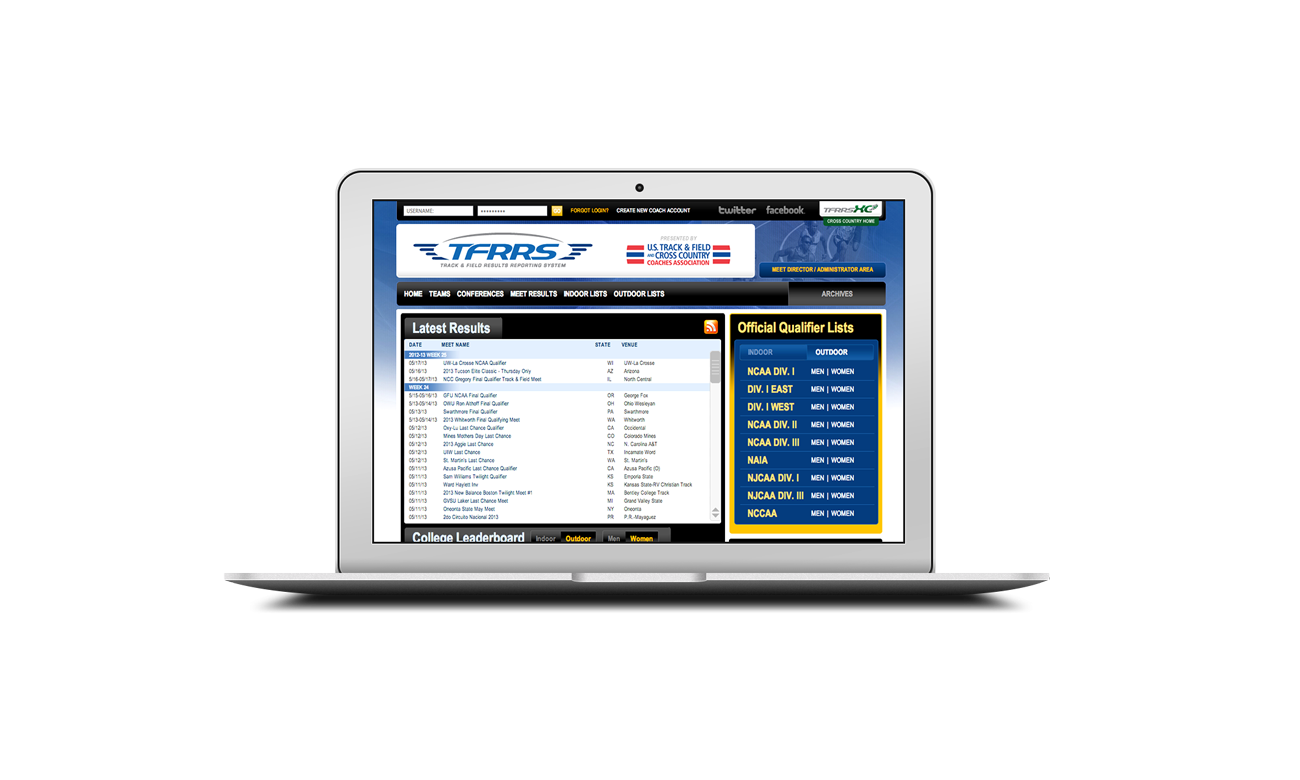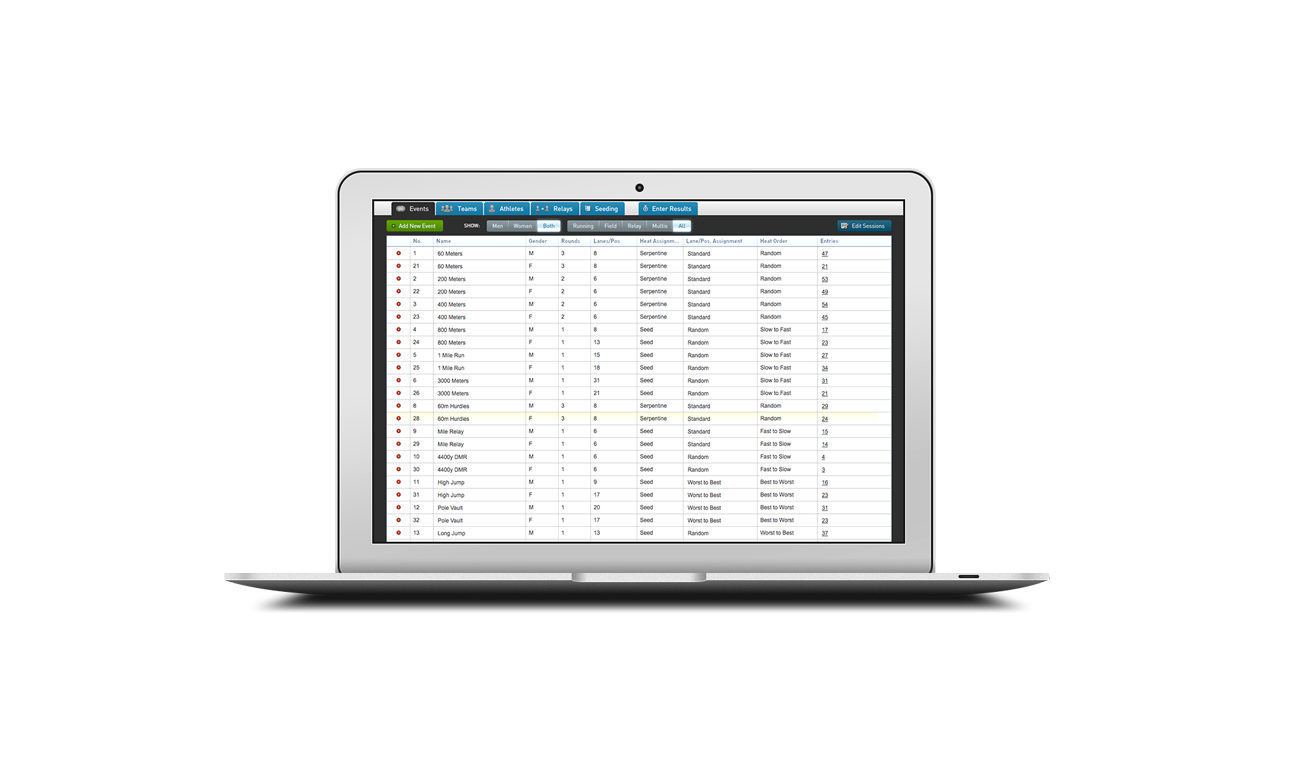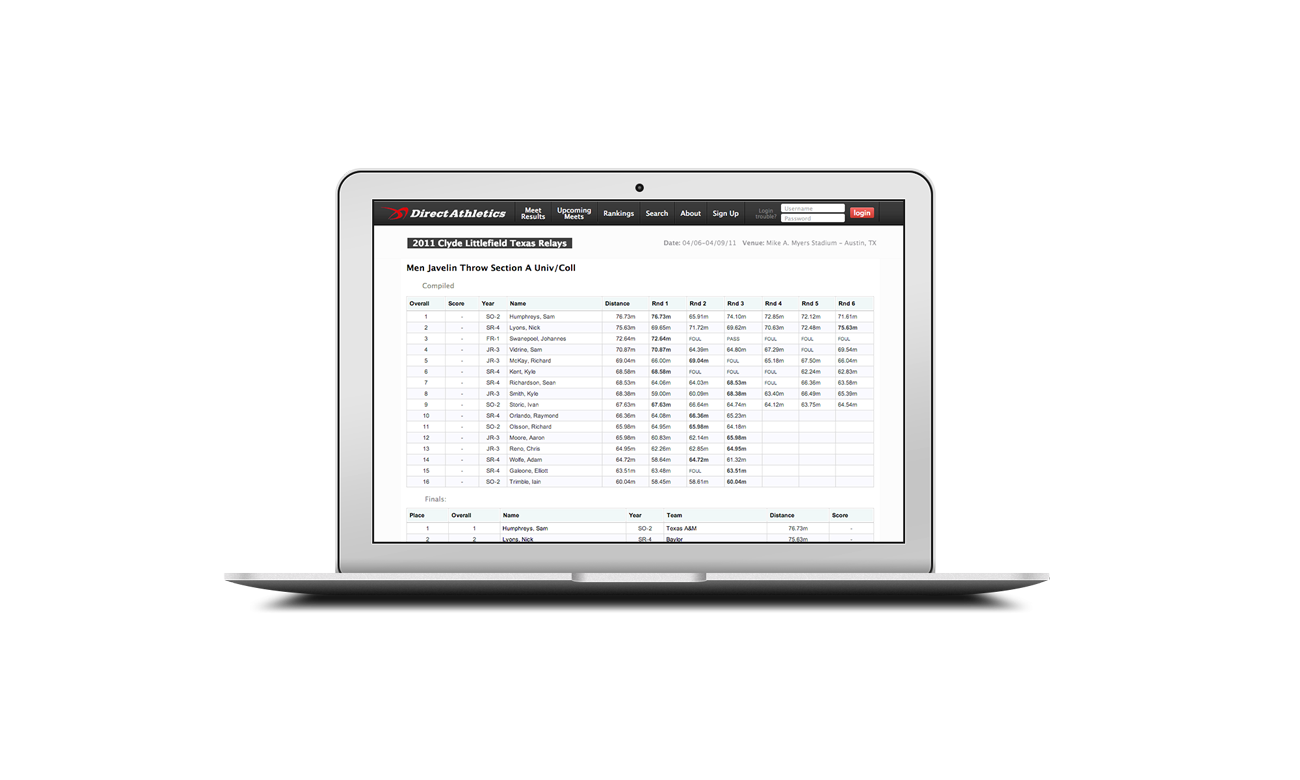






DirectAthletics' Online Meet Entries for MEET MANAGER is now available in collaboration with Hy-Tek, the leader in Swimming software. Hy-Tek's MEET and TEAM MANAGER work seamlessly with DirectAthletics' Web based meet entry system to make the meet entry/declaration process simpler than ever.
Online Entries/Declarations are ideal for:
- High School and College Invitationals and State Qualifying meets
- YMCA and Summer League Meets
- Age Group Meets (USA Swimming and any League meet)
Don't waste hours of valuable time typing your entries into MEET MANAGER, when you can import entries/declarations straight from the Web in seconds. With Online Meet Entries for MEET MANAGER, you'll get the following benefits:
- No data entry
- Less paperwork
- No spelling mistakes
- More accurate entries
- Seamless integration with Hy-Tek's MEET MANAGER and TEAM MANAGER
- Instant email entry confirmation receipt sent to coaches, or simply print confirmation receipt directly from the Web.
- Real-time monitoring of the entry process in your administrator account.
- Ability to upload your meet results in seconds to DirectAthletics' searchable results database
HOW IT WORKS
SETTING UP THE MEET
- Meet host sets up their meet in Hy-Tek's MEET MANAGER.
- The meet file is uploaded directly to DirectAthletics in seconds. The meet host can set the entry/declaration period, along with other detailed meet attributes if necessary.
- Online entries/declarations are opened to attending teams/clubs.
DURING THE ENTRY/DECLARATION PROCESS
- Coaches log in to their secure club/team account using a password provided by the Meet Host (generated by the DirectAthletics system).
- Coaches can enter their roster using an online form or they can upload their roster directly from their existing TEAM MANAGER database (optional).
- The coach submits entries/declarations, receiving email confirmation at anytime. Entries/declarations can be changed anytime before the entry deadline.
DOWNLOADING ENTRIES/DECLARATIONS
- When the entry period closes, the meet host downloads the entry data straight into their MEET MANAGER database.
- The meet is seeded and run normally using MEET MANAGER.
UPLOADING RESULTS
- Meet host can upload the meet results straight from MEET MANAGER to DirectAthletics' online searchable results database.
- Results are automatically formatted and put in searchable format-no FTP, no HTML files!
FREE TEST DRIVE
We welcome all meet directors to set up their meet(s) online at DirectAthletics.com on a Trial basis for FREE with NO SETUP COSTS. Simply contact DirectAthletics at info@directathletics.com or 617-879-1797 and they will set you up with an administrator account. Upload your meets straight from Hy-Tek's MEET MANAGER, try out the entry/declaration process for your team (or a test team), then download the entries seamlessly back to MEET MANAGER. When you are ready, simply open up the online process to all of your attending clubs/teams, sit back and watch the entries come in!
COSTS
DirectAthletics charges a small processing fee for each entry collected online. Fees are based on the size of your meet(s) and are billed to the meet host. There are NO setup costs. Costs are calculated on the final number of entries downloaded into Hy-Tek's MEET MANAGER. Contact DirectAthletics for an estimate.
HOW TO GET STARTED
Online Meet Entries for MEET MANAGER are available NOW! Contact DirectAthletics at info@directathletics.com or 617-879-1797, take the system for a FREE test drive, and get started today!